Gallery
TuneLoft as it really looks — on the TV, in the headset, and on the phone that drives them.
Phone → screen
A programme that travels
Three real captures of the published apps, composed side by side. Nothing is simulated or redrawn.
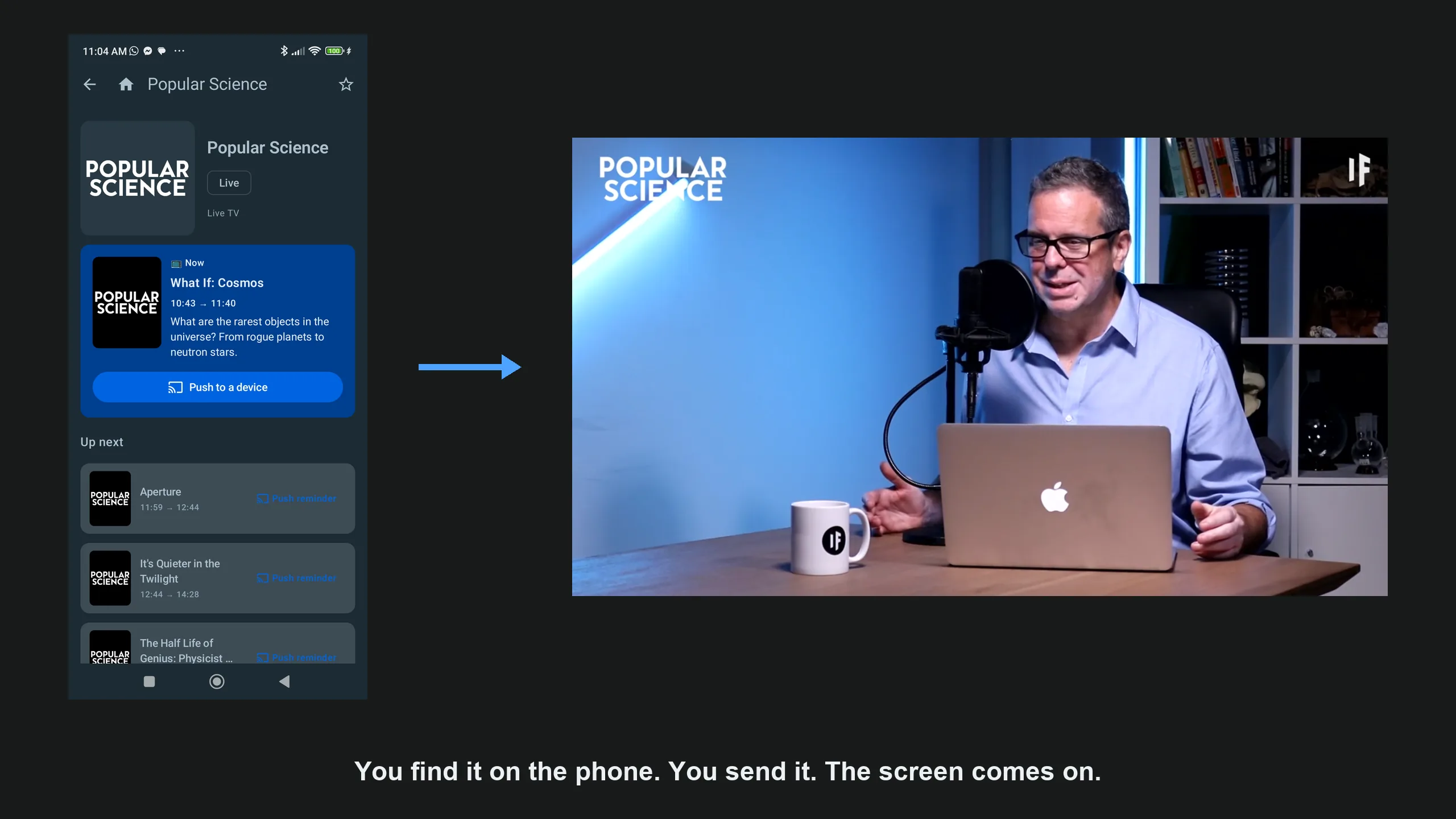
Find it on the phone, send it
The programme is picked in TuneLoft Companion, and the TV comes on with it. The title shown on the phone is the one the channel overlays on the picture the TV receives.
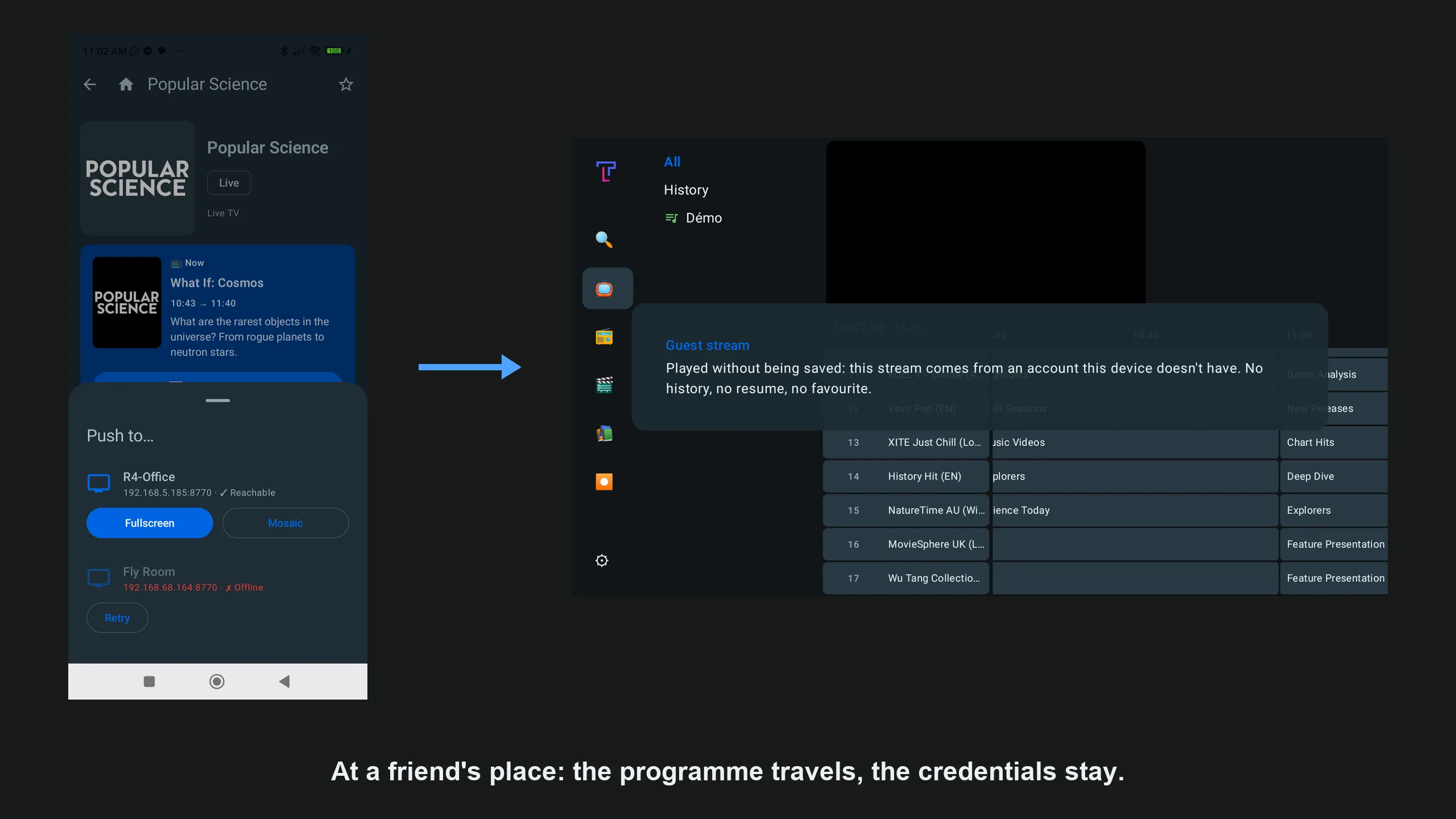
At a friend’s place, your credentials stay with you
The receiving TV shows: “Played without being saved: this stream comes from an account this device doesn’t have. No history, no resume, no favourite.”
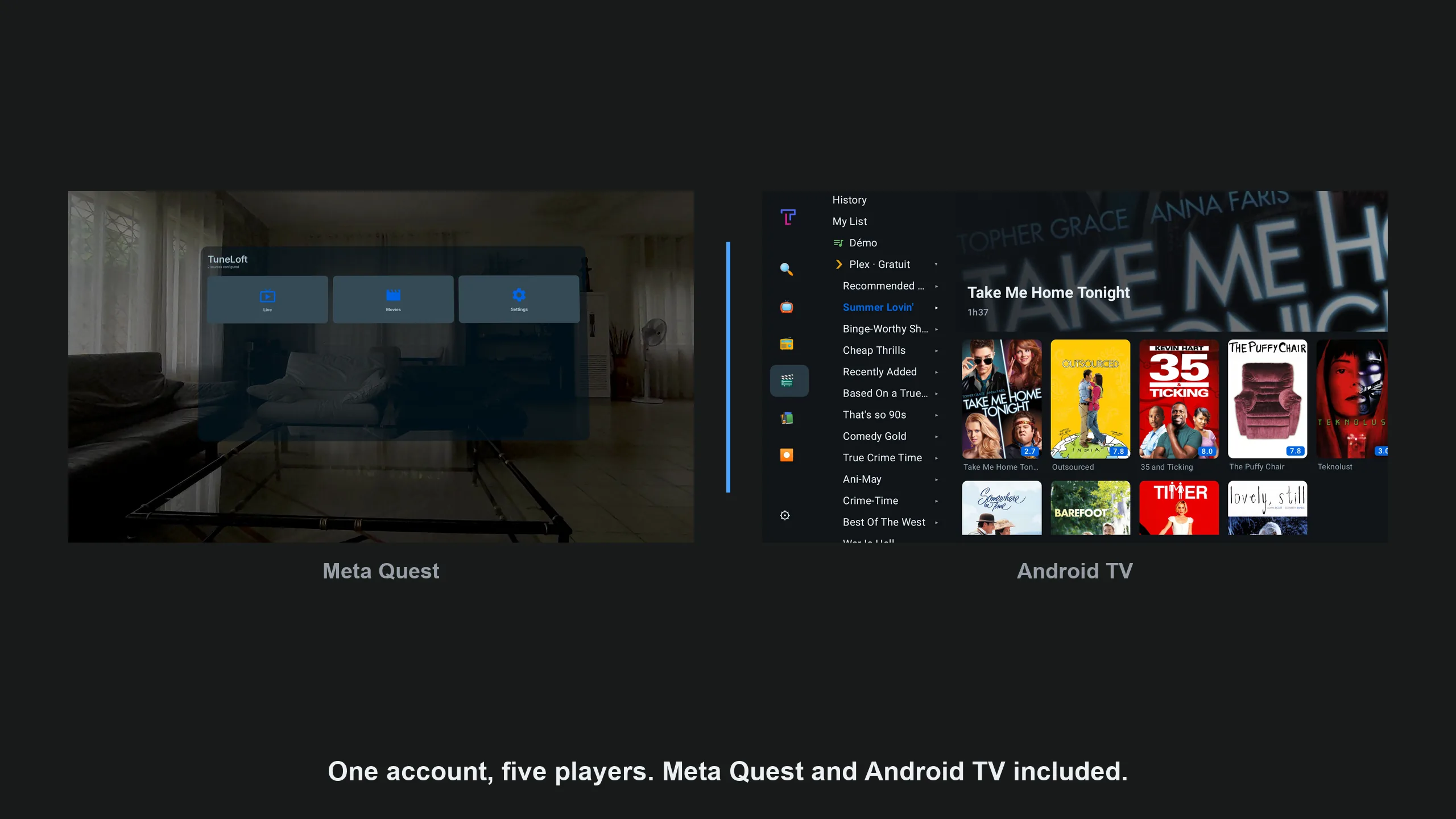
One account, several players
The same TuneLoft account on a Meta Quest headset and on an Android TV.
Android TV · Google TV · Fire TV · tablet
On the TV
Built for the remote, with every source in the same screens. The same app runs on Android tablets. With Plus, the TV and the tablet record, schedule recordings and play catch-up.
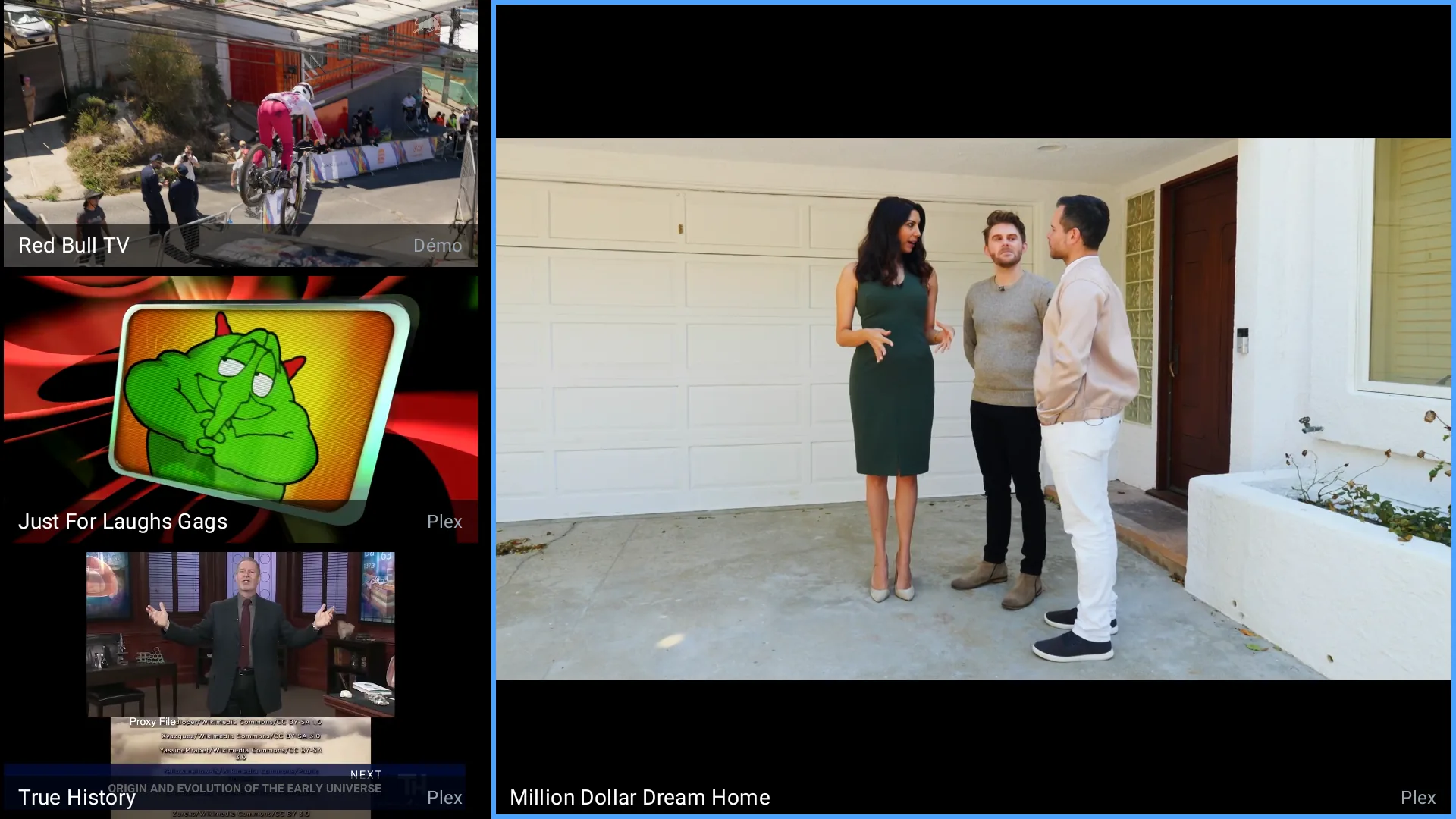
Two sources, one wall
Four programmes at once from the built-in demo and Plex, one of them large. The picture wall is part of the 15-day trial and TuneLoft Plus.
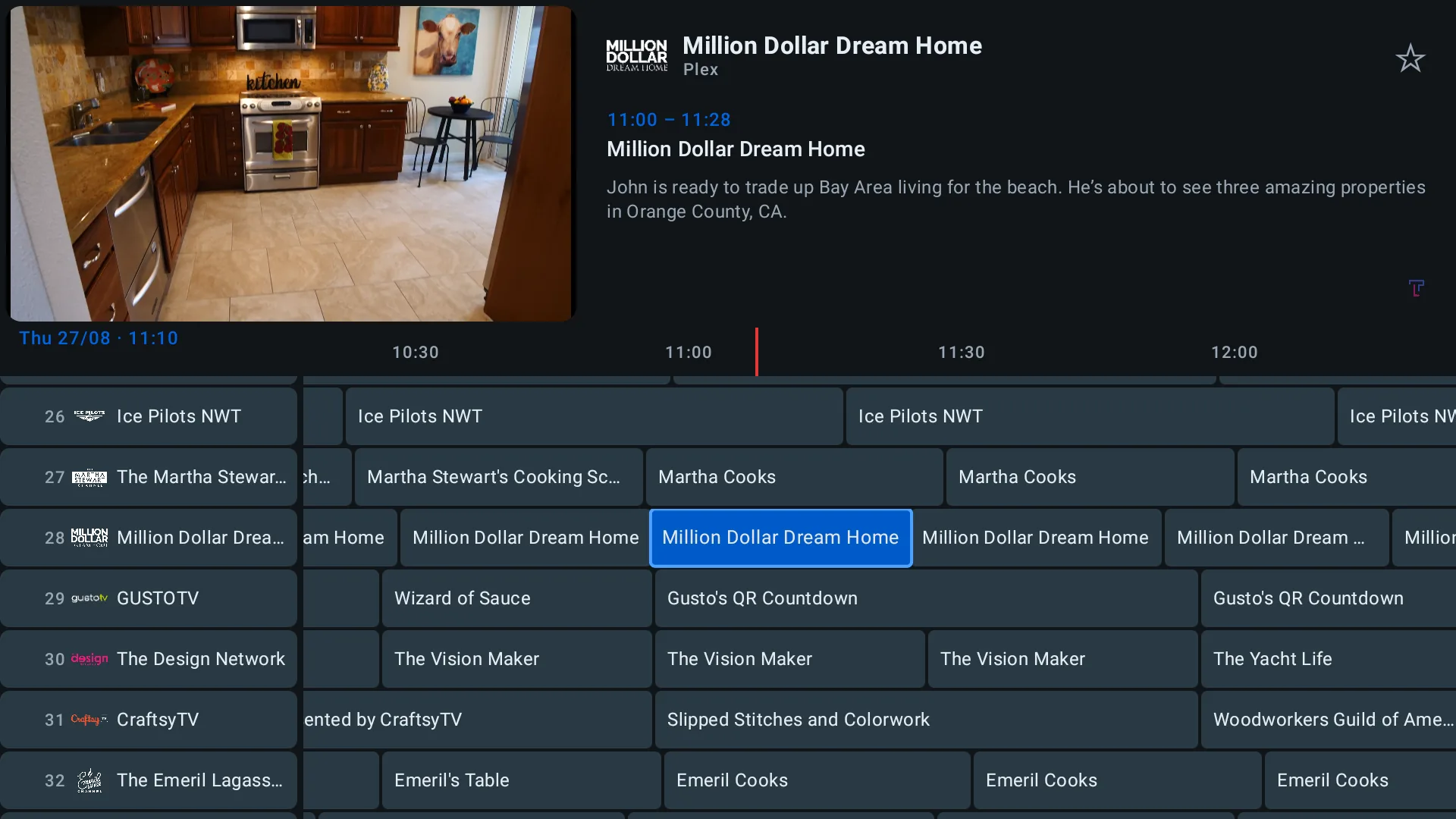
The programme guide
The day’s grid, channel by channel, with a preview and synopsis of the selection.
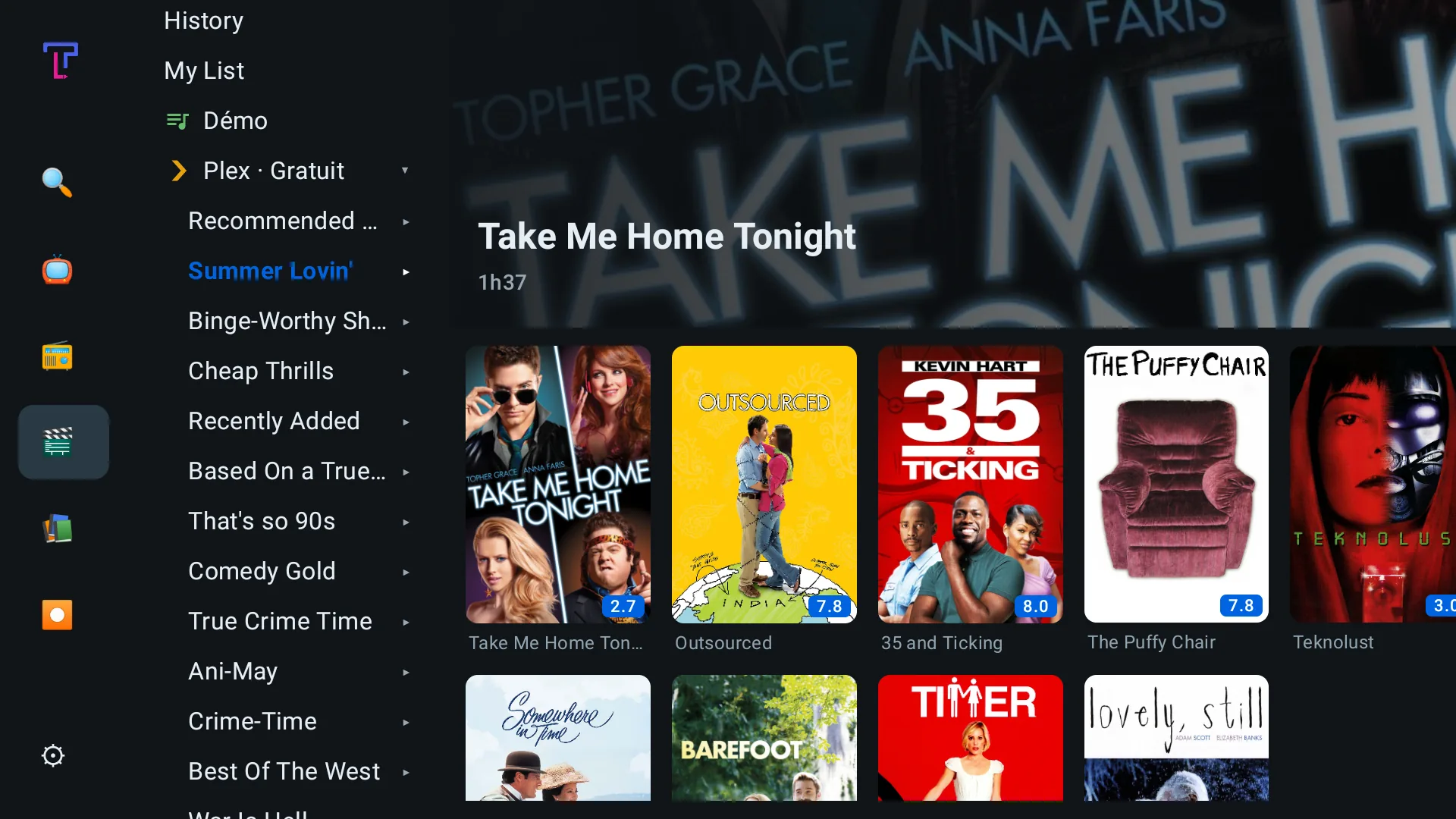
The movie catalogue
Films from your Plex library, grouped into collections, with posters and ratings.
Meta Quest 3 · 3S · 2
In the headset
In mixed reality: the screens float in your room, which stays in view.
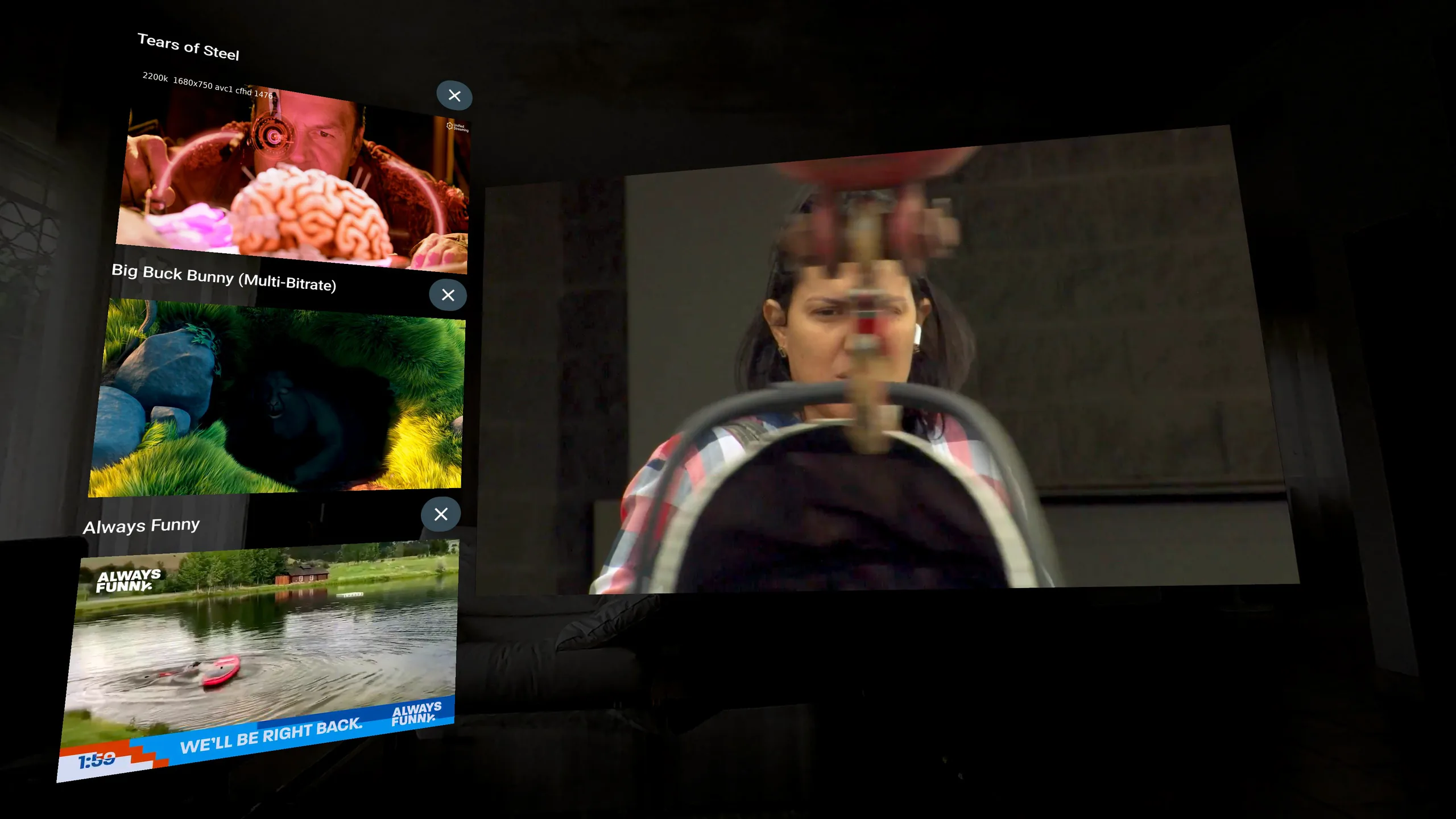
Several screens in the living room
One programme large and others beside it, in passthrough. The picture wall is part of the trial and Plus.
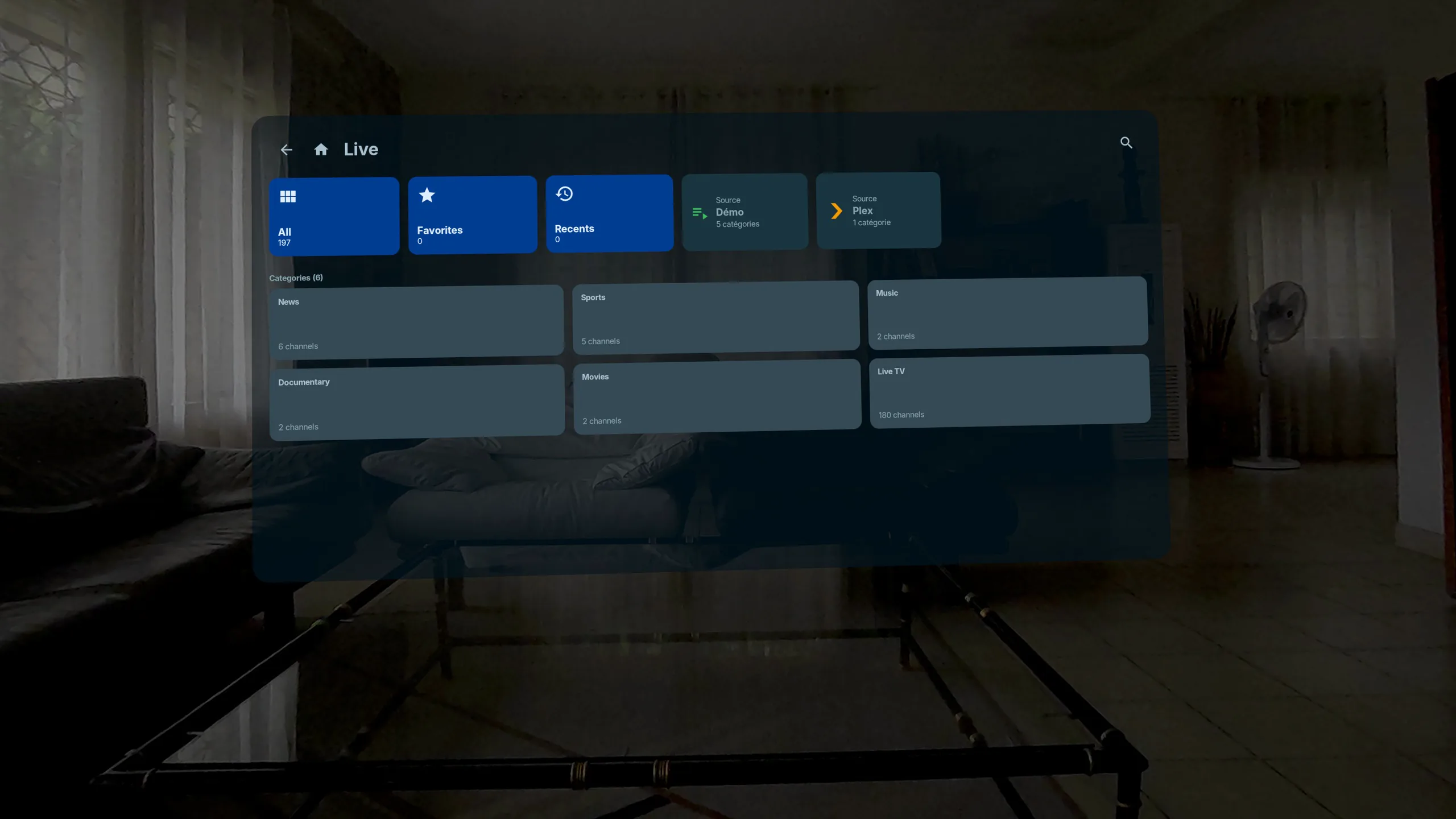
The demo playlist
Shipped with the app: try TuneLoft on Quest with no account and no credentials.
TuneLoft Companion · free
On the phone
The guide, keyboard and remote for your screens — and a free recorder: what the phone records is encrypted, and plays back on the Plus screen of your choice. Everything goes over your own network, never through our servers.
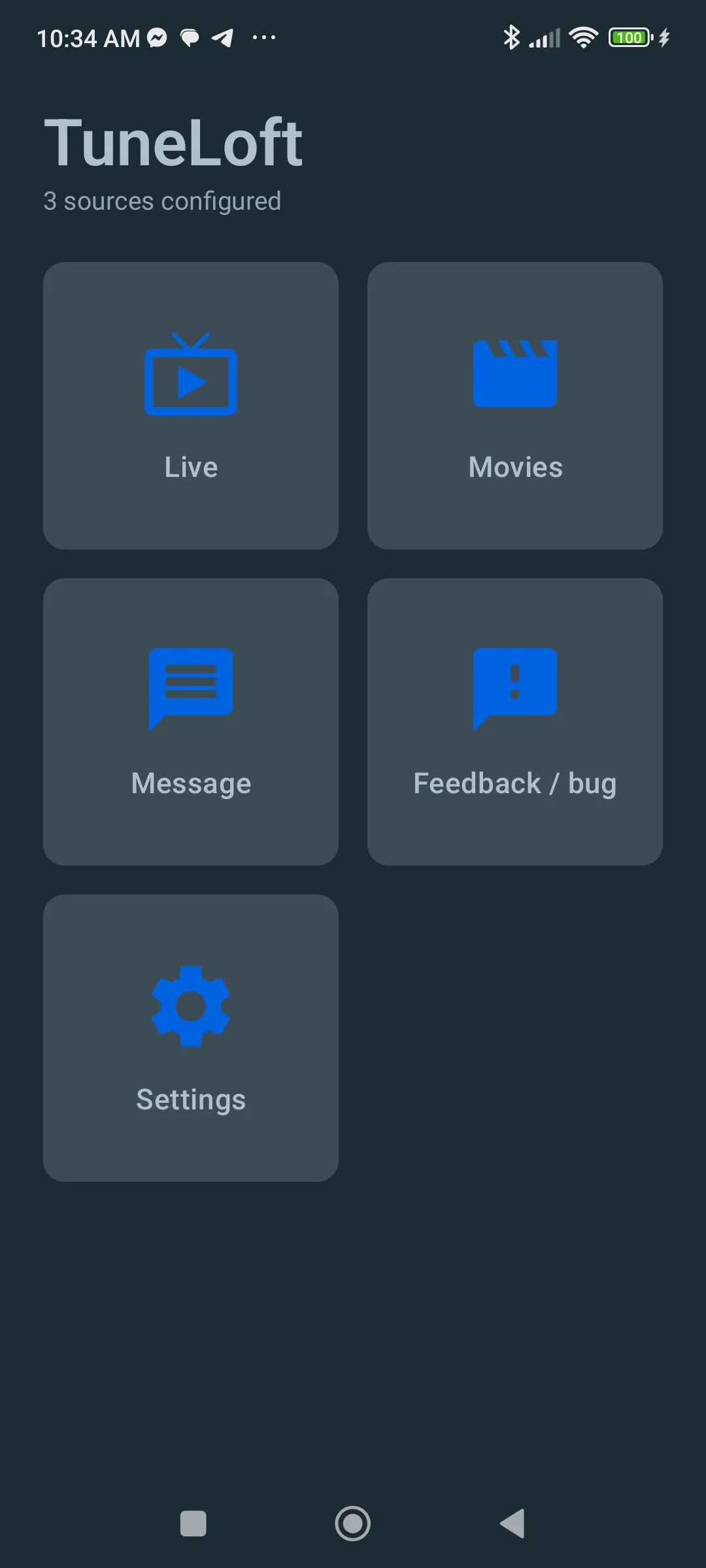
Home
Live, movies, and a button to report a bug straight to us.
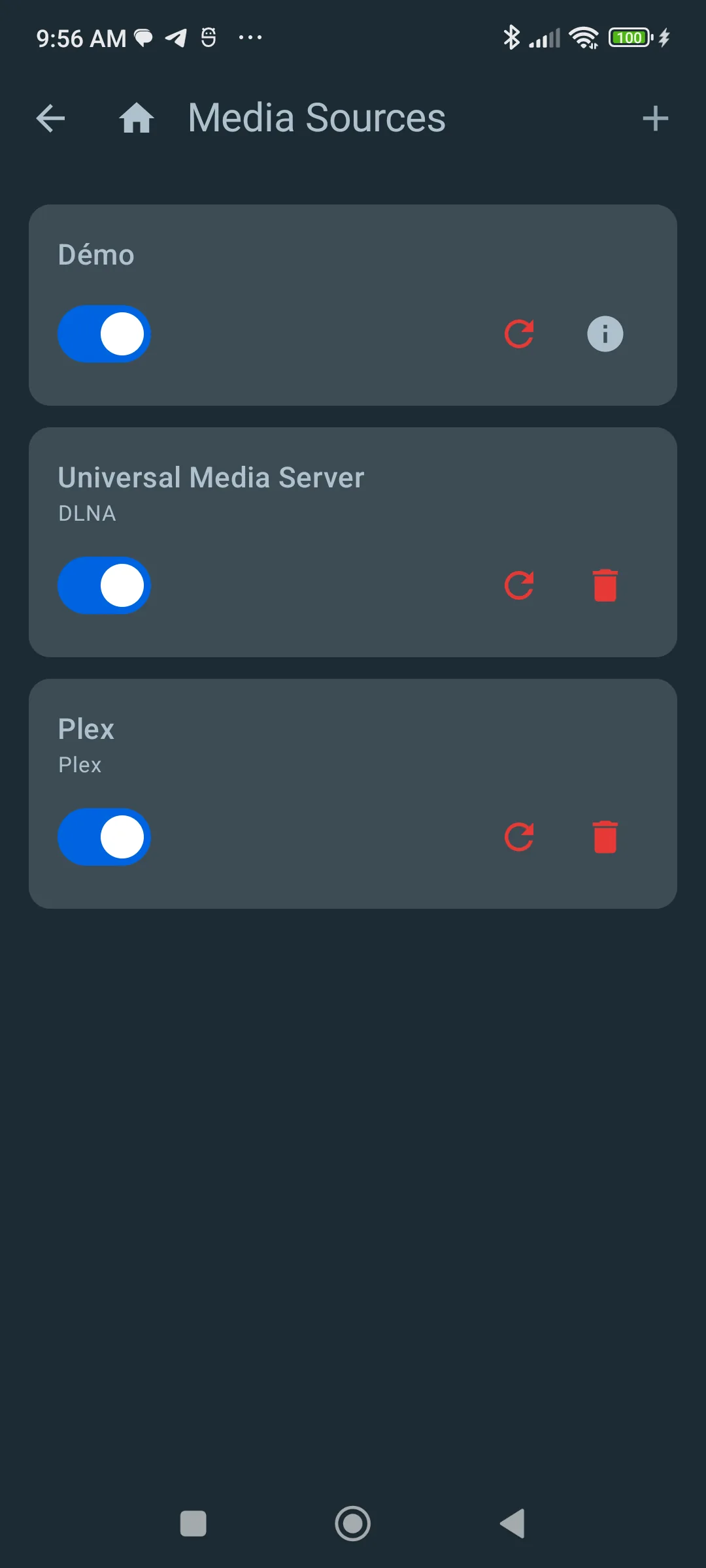
Your sources
The demo, a DLNA server, Plex: each one switches on or off on its own.
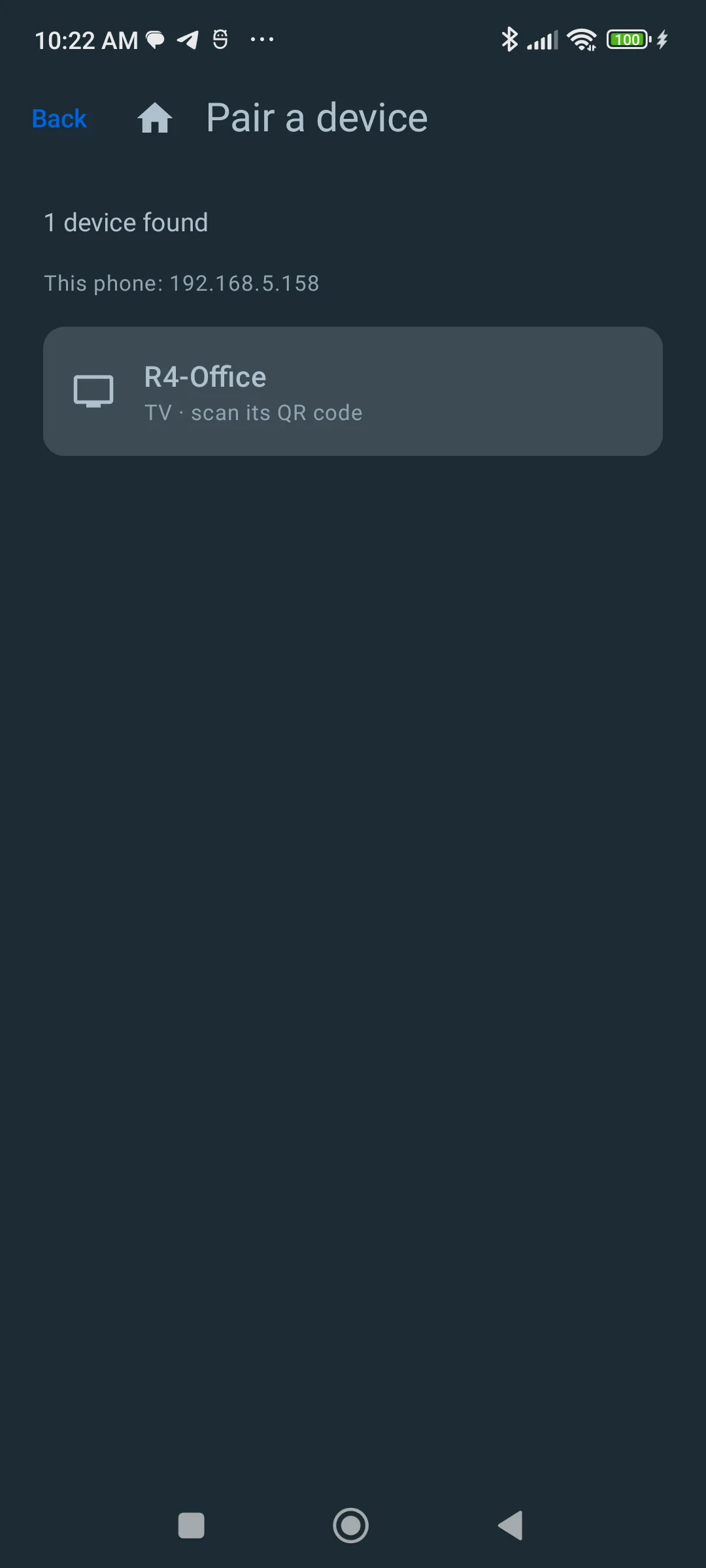
Pair a TV
The phone finds the device on your local network; you scan its QR code.
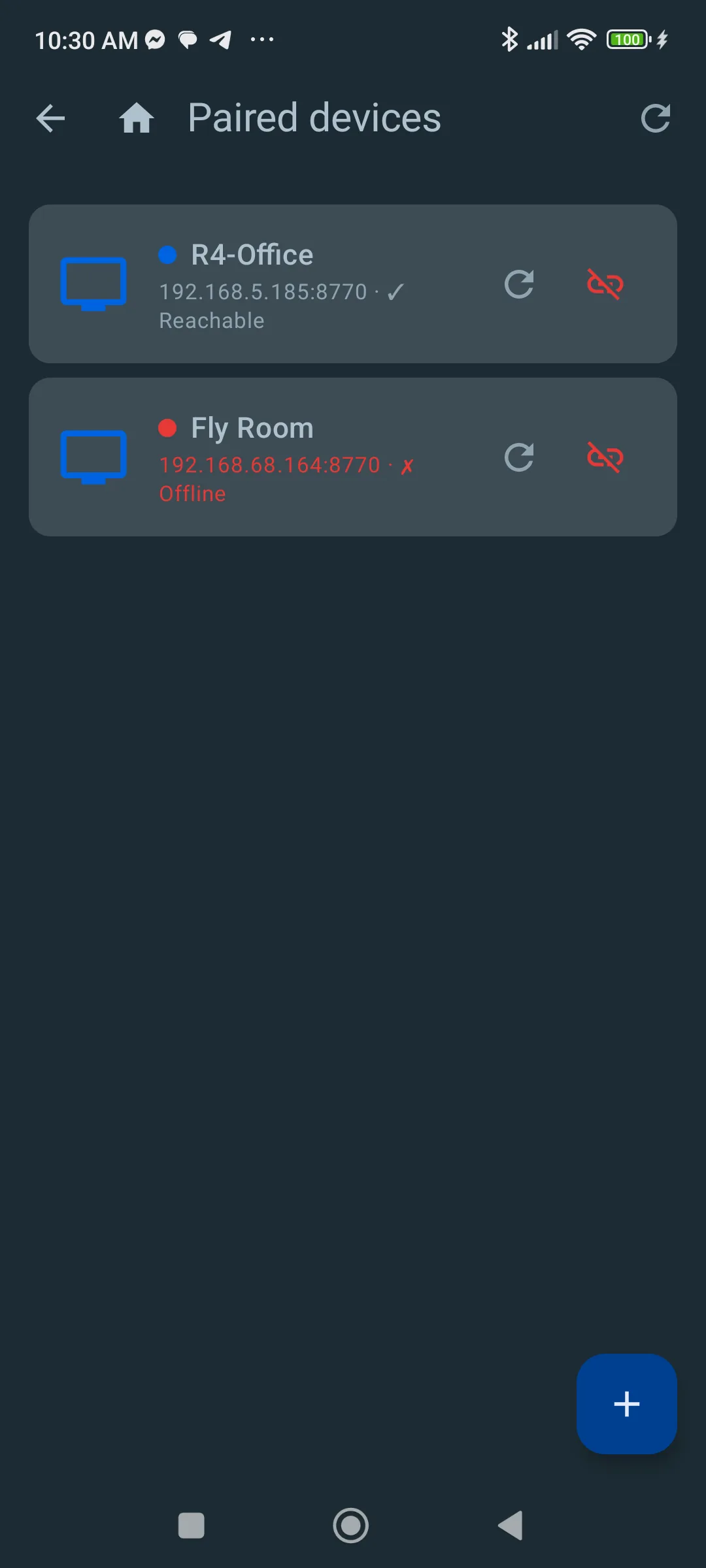
Your screens
Every paired device, and whether it can be reached right now.
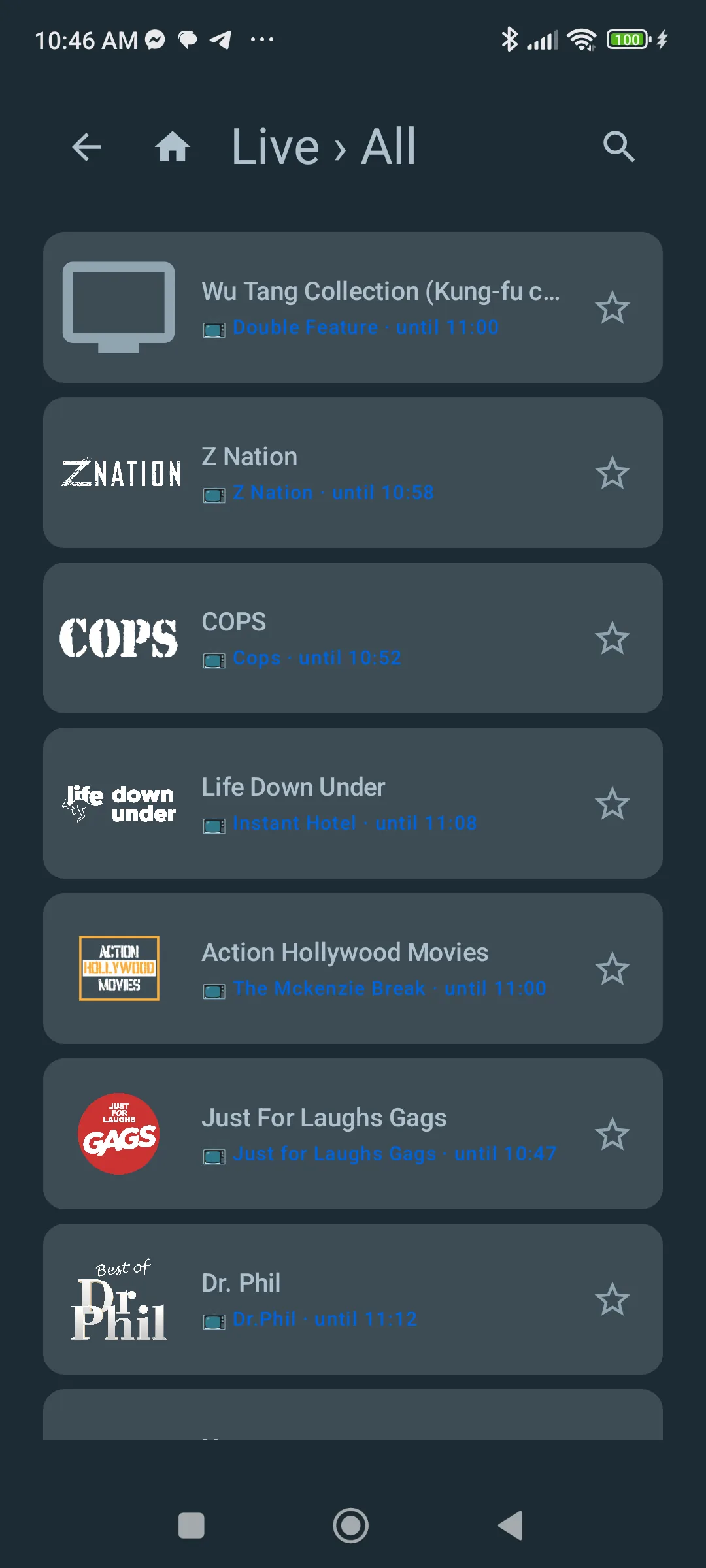
Browse live
Every channel across your sources, with favourites.
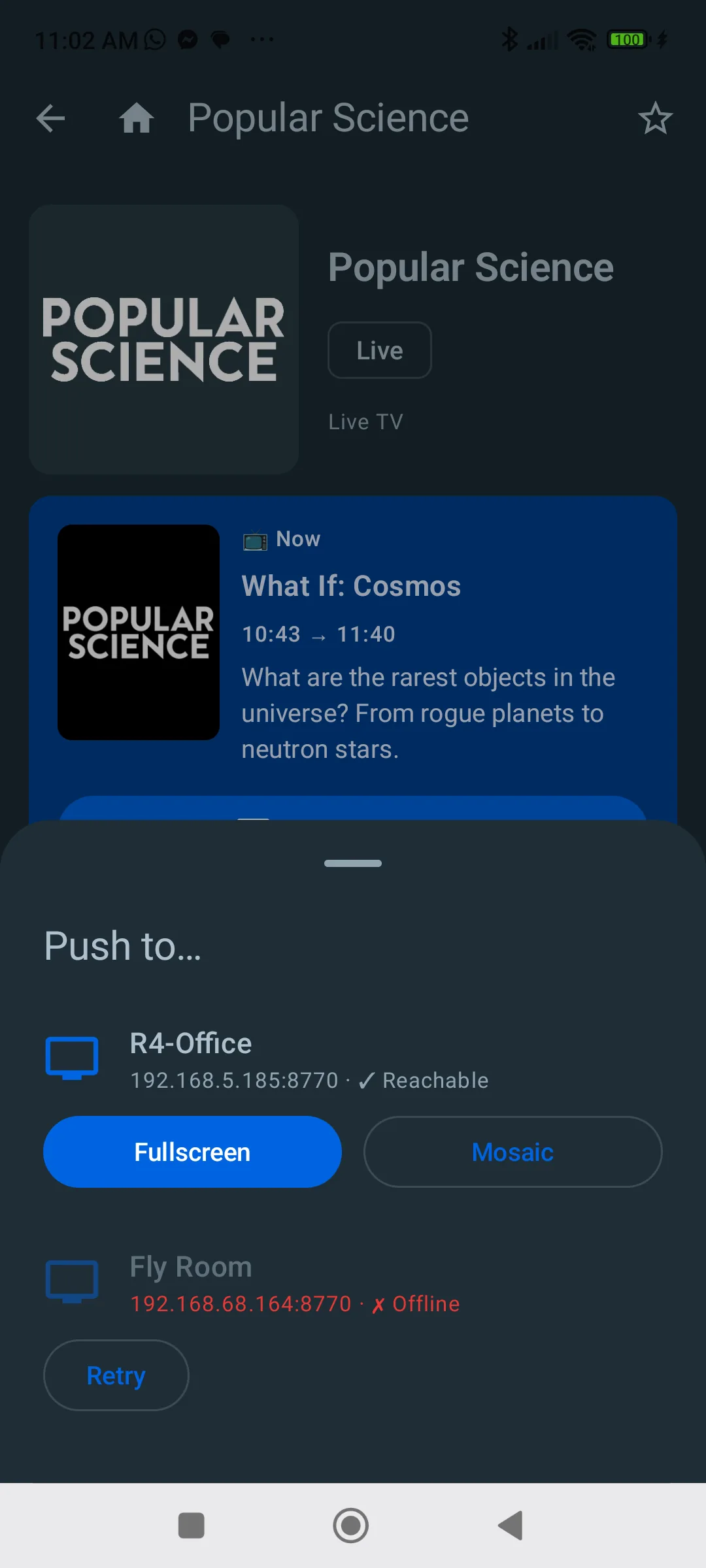
Push to a screen
Fullscreen or into the mosaic, on the device you pick.
Writing about TuneLoft?
Every screenshot here is available at full resolution, with the key facts, in the press kit.